Apr 3

Next Cohort Starts April 3

Saturdays 7–8 PM EST
8 weeks · 1 session per week
Limited to 12 kids
4 spots left

Most children are taught how to follow instructions.Far fewer are taught how to think with intention.

Future Designers is built for that gap. Instead of rushing through projects, children slow down enough to notice problems, ask better questions, and explain their ideas clearly. Week by week, they learn how ideas grow—from a rough sketch, to a concrete question, to a solution they can test, to a presentation they can proudly share. The work feels playful on the surface, but underneath it is serious training in structure, empathy, and independent thinking.

Most children are taught how to follow instructions.Far fewer are taught how to think with intention.

What each week focuses on

Every session has a clear purpose. Children move from playful invention to human-centered design, accessibility challenges, storytelling, app thinking, and a final prototype they can proudly share.

Purpose

To spark imagination and introduce creative problem-solving by asking how an elephant could live in space. Children start thinking like young inventors—identifying real needs and translating abstract ideas into drawings.

Class summary

  • Brainstorm how an elephant might survive in space and list what it would need to stay alive.
  • Discuss essential needs like oxygen, food, movement, temperature, and waste.
  • Encourage students to show, not just tell, by sketching space suits or habitats.
  • Share early ideas, give gentle peer feedback, and notice what still needs solving.

Homework

Research how elephants eat, drink, and sleep, and how long they can survive without food or water.

Benefits

  • Visual communication
  • Scientific curiosity about biology and space
  • Early systems thinking
  • Confidence presenting imaginative ideas

Purpose

To shift from wild imagination into structured design. Children learn that design is not just about looking cool—it is about making something work for a real user.

Class summary

  • Revisit Week 1 sketches and identify which problems are still unsolved.
  • Discuss the difference between art and design, and what makes a design simple, functional, and user-friendly.
  • Break down everyday challenges for users like an elderly person using a TV remote.
  • Redesign a cluttered remote so that only the essential buttons remain.
  • Return to the space elephant and redesign communication or support devices with more realistic details.

Homework

Interview a family member about a tool or device they struggle with. Redesign your space elephant communication device to be simpler and more realistic, focusing on the minimum features it really needs.

Benefits

  • Empathy for everyday users
  • Human-centered problem framing
  • Iteration and simplification
  • Clearer explanation of how things work

Purpose

To help children distinguish between art and design and to ground their inventions in real research about how living beings actually communicate.

Class summary

  • Share updated designs for elephant communication devices.
  • Explore the difference between art (expressing emotion) and design (solving a specific problem).
  • Research how elephants naturally communicate using vibrations through the ground.
  • Rework earlier designs so they make sense for how elephants really sense and move.
  • Reflect on how new information can and should change an original idea.

Homework

Redesign your communication device to use vibrations, the way elephants naturally communicate. Create a separate artwork of a house that expresses a strong emotion using only shapes and colors.

Benefits

  • Clear sense of art vs. design
  • Research-informed creativity
  • Deeper empathy for non-human users
  • Balancing imagination with realism

Purpose

To connect emotional expression in art with the practical work of accessibility design, showing that great design serves people with different abilities.

Class summary

  • Share emotion-based artworks and practice reading feelings from images.
  • Introduce accessibility: designing tools for blind, visually impaired, deaf, or colorblind users.
  • Brainstorm smart canes, emergency alert systems, and tools that translate color into sound, light, or vibration.
  • Practice simplifying interfaces so they can be used safely with minimal instructions.
  • Look at existing tools and discuss how they could be improved for real people.

Homework

Choose one challenge—supporting blind users, hearing-impaired users in emergencies, or people with color blindness—and design a realistic or slightly futuristic tool that genuinely makes life easier.

Benefits

  • Accessibility awareness
  • Empathy for people with disabilities
  • Turning research into concrete design ideas
  • Translating feelings into visual decisions

Purpose

To strengthen planning, research, storytelling, and presentation skills by tackling big real-world scenarios and imaginative history-inspired stories.

Class summary

  • Plan a hypothetical Mount Everest expedition, from route and gear to safety and budget.
  • Discuss what makes a plan realistic versus purely fantastical.
  • Learn the basics of story structure using the Tower of Babel as inspiration.
  • Create and share original stories with clear characters, conflicts, and resolutions.
  • Practice giving and receiving feedback, focusing on clarity and stakes.

Homework

Research a real ancient artifact, draw or design it, and be ready to explain what it is and why it mattered. Continue refining your Everest plan to make it more grounded and thoughtful.

Benefits

  • Project planning
  • Narrative structure and storytelling
  • Historical imagination
  • Public speaking and active listening

Purpose

To transition from big historical ideas into modern app design and to show children that digital tools exist to solve specific problems for specific people.

Class summary

  • Study historical figures and monuments, learning to read meaning from poses, symbols, and materials.
  • Introduce low-fidelity app design using simple black-and-white paper sketches.
  • Map out what happens when a user taps a button, moves between screens, or makes a mistake.
  • Design app ideas that address real needs—from animal welfare to safety, health, and learning.
  • Present paper prototypes and explain what problem each app is trying to solve.

Homework

Create a full paper prototype of a mobile app that solves a problem you care about. Include the home screen, key flows, and messages a user might see when things go wrong or right.

Benefits

  • Introduction to UX thinking
  • Systems and flow planning
  • Connecting design decisions to user safety and responsibility
  • Practice simplifying complex ideas

Purpose

To move from paper into simple digital prototypes and to introduce AI as a partner for brainstorming and analysis, not as a replacement for human thinking.

Class summary

  • Review everyday objects and apps to define what good design actually does for a user.
  • Transfer paper app prototypes into a simple digital wireframing tool.
  • Learn a step-by-step method: sketch, wireframe, then visual design.
  • Practice giving clear prompts to AI, evaluating its suggestions, and deciding what to keep or discard.
  • Research real-world apps in the same category and compare their flows and decisions.

Homework

Rebuild your app as a black-and-white digital wireframe and analyze two real apps that solve a similar problem. Be ready to explain what you borrowed, what you changed, and why.

Benefits

  • Hands-on experience with a real design tool
  • Critical thinking about AI responses
  • Ability to learn from professional examples
  • Confidence moving between analog and digital work

Purpose

To refine each student’s app concept into a presentable prototype and to connect modern UI design with a longer history of inventive, human-centered engineering.

Class summary

  • Study El-Cezeri’s elephant water clock as an example of storytelling, engineering, and design woven together.
  • Polish digital app prototypes with better layout, hierarchy, and simple color choices.
  • Apply contrast and readability principles so designs feel clear and inviting.
  • Practice giving and receiving detailed design feedback on navigation, buttons, and screens.
  • Prepare and deliver a short verbal explanation of what the app does, who it is for, and why it matters.

Homework

Finalize your prototype and script a short presentation that explains your app in clear, simple language. Optional: research design schools or programs that excite you and notice the kinds of projects students create there.

Benefits

  • UI/UX refinement
  • Visual design basics and color theory
  • Putting ideas into a structured, shareable form
  • Confidence presenting a finished concept

Apply for Future Designers

Apply for Future Designers

Tell us about your child and we’ll match you with the right cohort.

Program snapshot

  • 8 weeks
    One live session per week Small cohort, intentional pace, and real projects from day one.
  • Live · Online
    Fully virtual studio Kids join from home, cameras on, voices encouraged.
  • Ages 8–12
    Built for curious kids No experience required. Curiosity and willingness to try matter most.

About your child

About you

Timing & notes

Sessions run once a week for 8 weeks (about 60–90 minutes each). This form is an application only — no payment is collected here.

Step 1 of 3

More Than Creative Projects

By the end of 8 weeks, children begin to see themselves not just as students, but as thoughtful creators who can spot problems, imagine better ideas, and express their thinking clearly.

Creative confidence

Children discover that their ideas matter. They learn how to turn imagination into sketches, stories, and prototypes that others can understand and respond to.

Structured problem-solving

Instead of only making things, they practice finding what is not working—for a person, an animal, or a system—and improving it step by step.

Empathy & human-centered thinking

From elephants in space to blind pedestrians and colorblind users, children design for someone else’s needs—and learn that good design begins with understanding another life.

Communication & presentation skills

Each week they share work-in-progress, receive feedback, and practice explaining complex ideas in simple language, building comfort with public speaking over time.

Future-ready digital awareness

Students are gently introduced to interface design and AI as a creative thinking tool—something to question, guide, and use thoughtfully, not a shortcut that replaces their own judgment.

Parents are not just looking for another online class.

They are looking for a place where their child can grow in confidence, become more expressive, and learn to think independently in a world shaped by technology. Future Designers combines creativity, design, empathy, communication, and early AI literacy in a way that still feels deeply human. The result is not just better projects on screen—it is a quieter, steadier belief in their own voice and ideas.

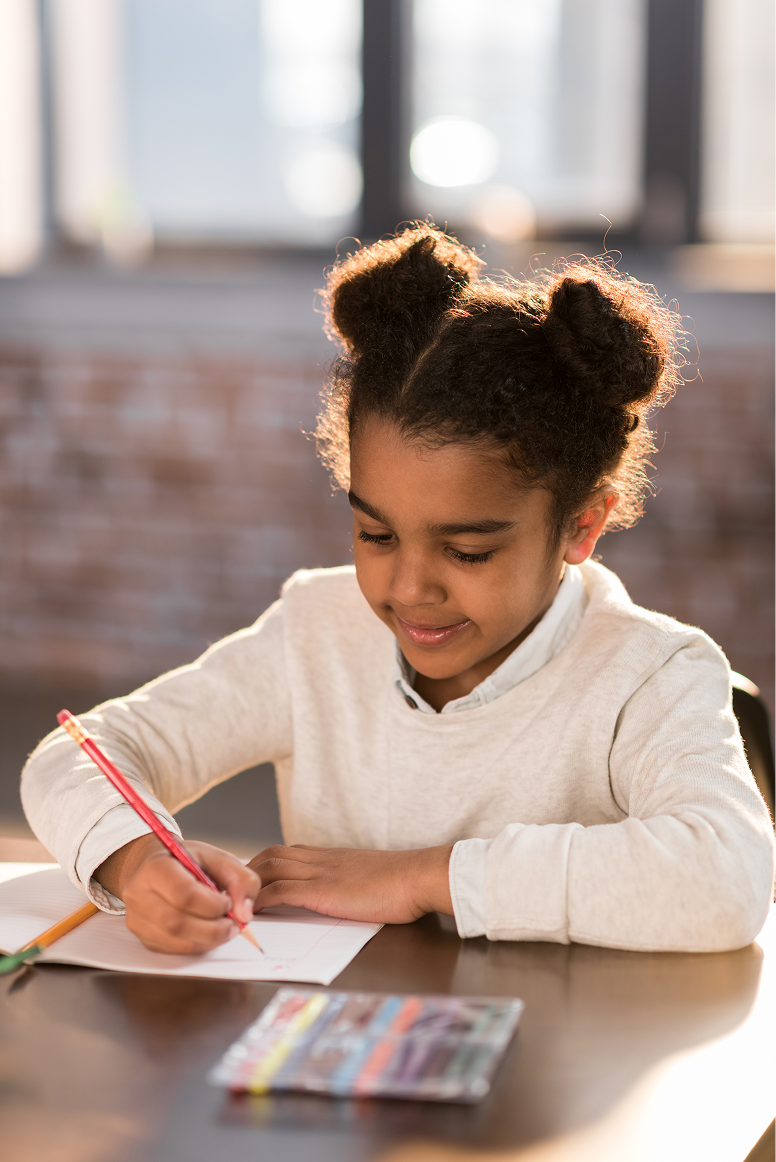
Girl thinking while writing in notebook

Explore the 12-Week Summer Camp

The summer camp builds on the same foundation but goes further — ending with a full mobile app prototype.

Looking for a deeper summer experience?

See how the 8-week core program compares to the 12-week summer camp.

Feature
8-Week Core Program
12-Week Summer CampImmersive
Format
Weekly online program
Immersive online summer camp
Length
8 weeks
12 weeks
Pace
Steady, foundational, intentional
Deeper, more immersive, project-driven
Main focus
Creative thinking, empathy, design foundations, early AI
Creative thinking + full mobile app journey
Starting point
Invention, storytelling, design challenges
Starts with the same foundation, then goes further
App design depth
Intro to simple app thinking
Full guided path to a mobile app prototype
Final outcome
A strong concept, early design thinking, simple project work
A simple prototyped mobile app and final presentation
Best for
Families wanting a strong weekly foundation
Families wanting a richer summer project and bigger transformation
Experience level
No experience needed
AI exposure
Gentle introduction to AI as a creative tool
More integrated use of AI in brainstorming and app ideation
Child experience
Builds confidence and core thinking habits
Builds confidence plus momentum toward a substantial final project

Format

8-Week Core Program Weekly online program
12-Week Summer Camp Immersive online summer camp

Length

8-Week Core Program 8 weeks
12-Week Summer Camp 12 weeks

Pace

8-Week Core Program Steady, foundational, intentional
12-Week Summer Camp Deeper, more immersive, project-driven

Main focus

8-Week Core Program Creative thinking, empathy, design foundations, early AI
12-Week Summer Camp Creative thinking + full mobile app journey

Starting point

8-Week Core Program Invention, storytelling, design challenges
12-Week Summer Camp Starts with the same foundation, then goes further

App design depth

8-Week Core Program Intro to simple app thinking
12-Week Summer Camp Full guided path to a mobile app prototype

Final outcome

8-Week Core Program A strong concept, early design thinking, simple project work
12-Week Summer Camp A simple prototyped mobile app and final presentation

Best for

8-Week Core Program Families wanting a strong weekly foundation
12-Week Summer Camp Families wanting a richer summer project and bigger transformation

Experience level

8-Week Core Program No experience needed
12-Week Summer Camp No experience needed

AI exposure

8-Week Core Program Gentle introduction to AI as a creative tool
12-Week Summer Camp More integrated use of AI in brainstorming and app ideation

Child experience

8-Week Core Program Builds confidence and core thinking habits
12-Week Summer Camp Builds confidence plus momentum toward a substantial final project

A small program for a big shift in how your child thinks.

The world your child is growing into will reward more than memorization. It will reward children who can notice what others miss, ask better questions, design with empathy, and think clearly alongside powerful tools like AI. Future Designers was created to nurture those habits early—while curiosity is still alive and confidence is still forming.

kid summer camp