Maker Kids Studio
Creative programs for children growing up in a world changing faster than school can keep up with
Maker Kids Studio is a hands-on creative learning experience where children learn to think, imagine, question, and turn ideas into something real through design, storytelling, invention, and beginner AI.


Children today are surrounded by technology.
Far fewer learn how to think independently, ask better questions, solve real problems, explain ideas clearly, stay creative with intention, and use AI without losing their own voice.

Program Options
Two Ways to Experience Maker Kids Studio
We currently offer two program formats, each fully online with live classes. Both are designed to build creative confidence, design thinking, and future-ready skills.

Maker Kids Studio — 8-Week Program
Led by a professional designer
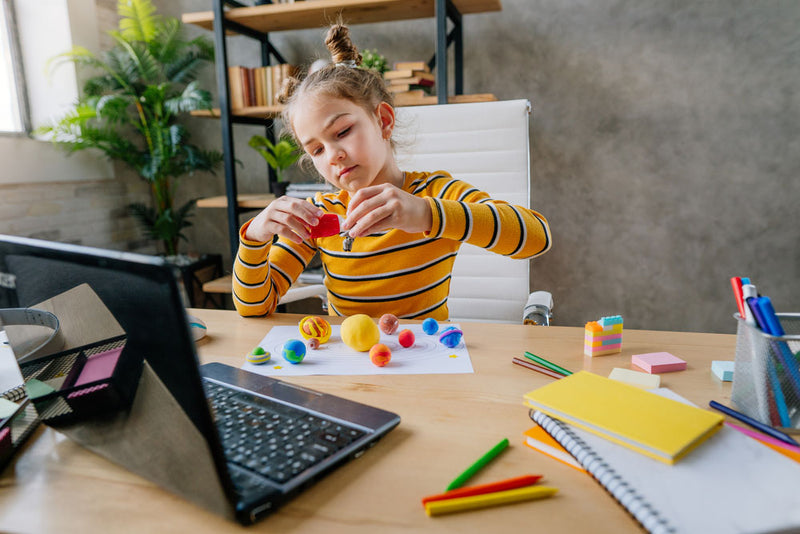
Future Designers Summer Camp — 12 Weeks
Led by a professional designer
Compare Programs
Which program is right for your child?
Quick guidance: ages 8-10 usually thrive with the 8-week foundation; ages 10-13 often enjoy either path; ages 11-14 who want a bigger project usually choose the 12-week camp.
Format
Length
Pace
Main focus
Starting point
App design depth
Final outcome
Best for
Experience level
AI exposure
Child experience

At first, it may look like children are sketching inventions, sharing stories, or designing simple apps.
Underneath every project, children practice five parent-visible outcomes: clearer thinking, purposeful creativity, stronger communication, empathy in design decisions, and thoughtful AI use.
Children learn how to break big ideas into smaller parts, ask practical questions, and make thoughtful decisions.
They discover that creativity is not only about making things look good — it is also about solving problems and helping others.
They practice presenting ideas, receiving feedback, and expressing themselves with more clarity and courage.
They build empathy by creating for others — from elderly users to people with disabilities to communities with specific needs.
They are introduced to AI not as a shortcut, but as a tool to guide, question, and direct with intelligence and responsibility.

A Different Kind of Creative Education
Built for children who need more than passive learning.
Children are guided to imagine boldly and think structurally.
They learn to improve their ideas and explain their reasoning with clarity.
Curiosity and resilience grow when something does not work the first time.
This is the kind of learning that stays with a child long after the class ends.
The program blends multiple forms of creative growth into one connected experience
What They Explore

Invention & Imagination
Students design unusual tools, habitats, and systems that stretch both their creativity and logic.
Human-Centered Design
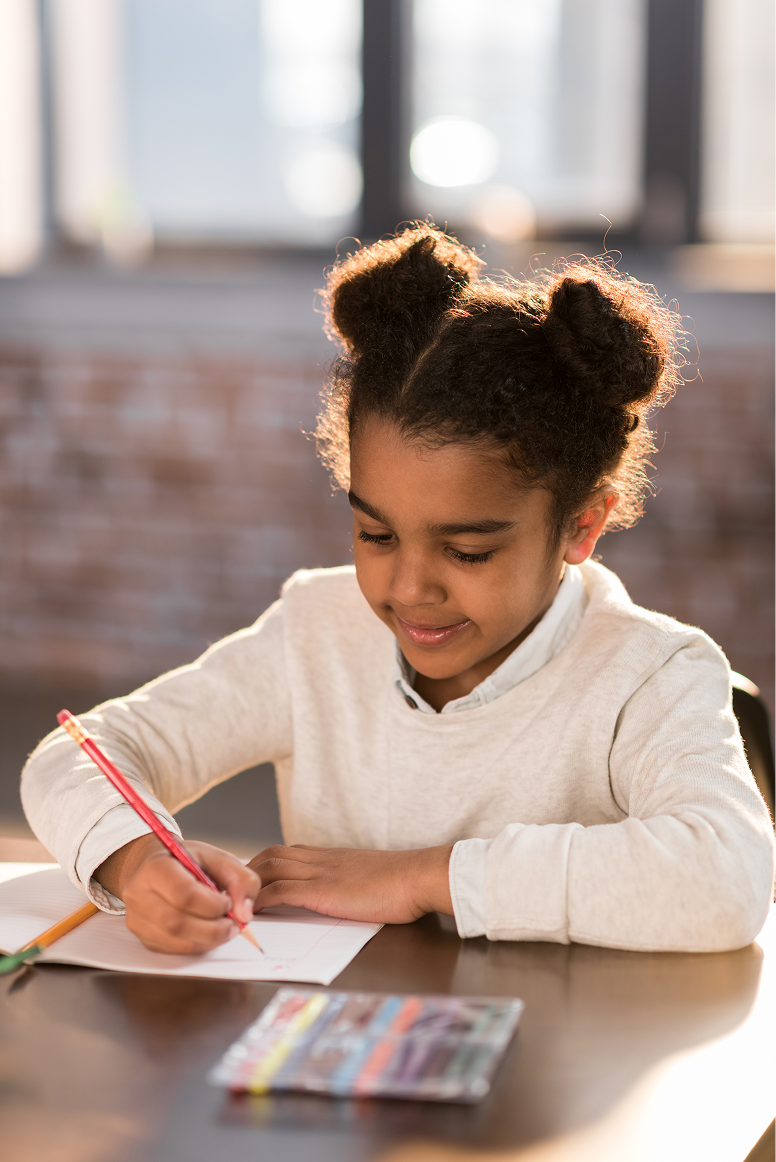
They learn that good design begins with understanding what someone else needs.
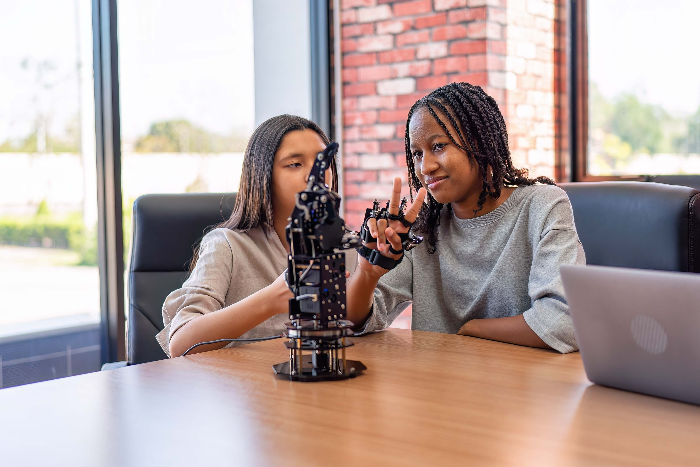
Storytelling & Emotional Expression
Children develop their voice through visual storytelling, symbolic thinking, and presentation.
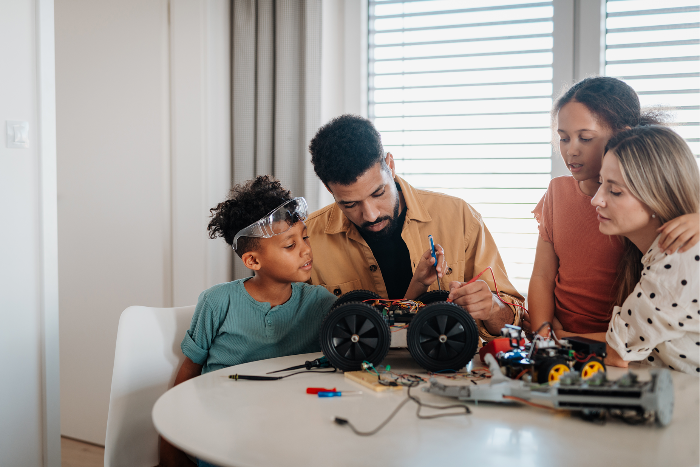
Accessibility & Empathy
They explore how thoughtful design can make life easier, safer, and more inclusive.
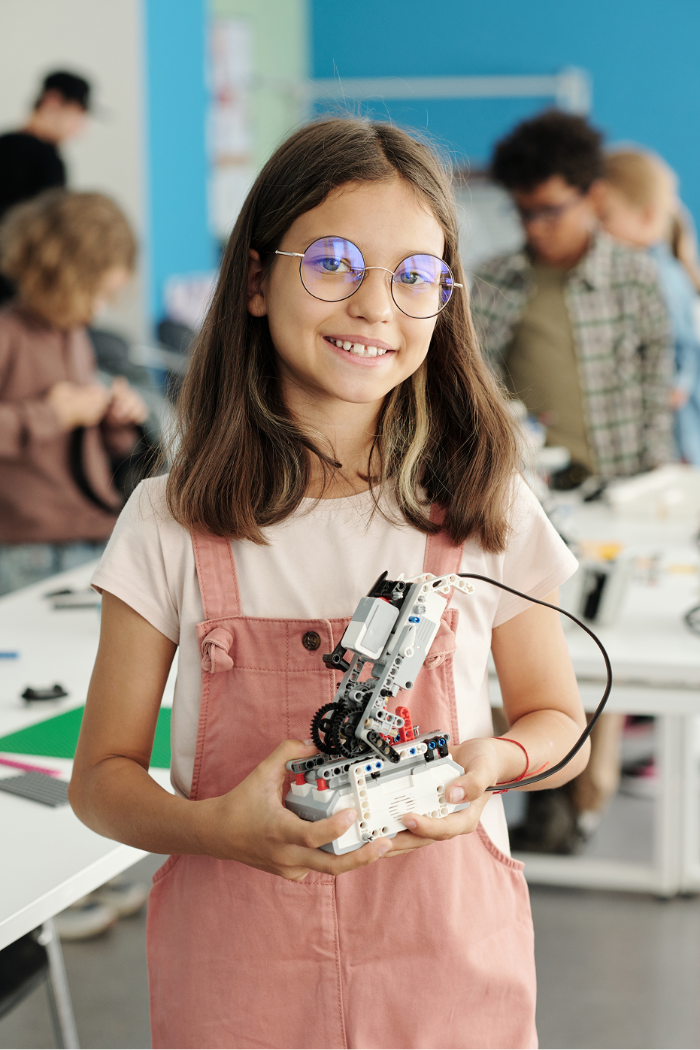
App & Interface Thinking
Students begin learning how digital products are planned, structured, and experienced.
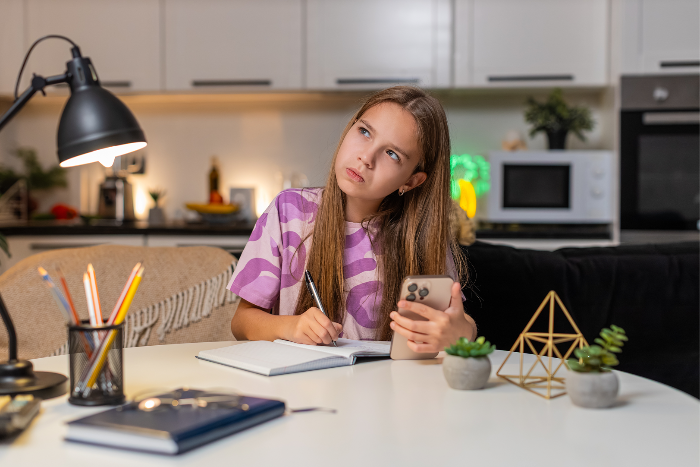
AI for Young Creators
They explore how AI can support brainstorming, iteration, and creative thinking — while learning that human judgment comes first.
The future belongs to children who know how to think with tools, question them, and stay deeply human while using them.
That’s why our classes combine guided discussion, creative experimentation, visual thinking, peer feedback, real-world design challenges, and age-appropriate AI exploration in a way that challenges children, supports them, and helps them trust their own thinking.


Who This Is For
Children who are imaginative and full of ideas
Children who enjoy drawing, building, inventing, or storytelling
Children curious about technology who need healthy, thoughtful guidance
Children who want to become more confident expressing themselves
Children ready to grow beyond passive classes and surface-level crafts
Families who want future-ready skills without losing creativity, warmth, and human connection
By the end of the program, children leave with more than completed projects.
They leave with stronger creative confidence, more comfort sharing ideas, better problem-solving habits, deeper empathy, early experience with design and digital thinking, and a healthier relationship with technology and AI—while beginning to see themselves not just as students, but as creators.

The world your child is growing into will reward more than memorization.
It will reward children who can think, adapt, create, communicate, and lead with clarity. Maker Kids Studio helps build that foundation early — while children are still open, curious, and brave enough to imagine something new. We are not just teaching children to use tools. We are teaching them how to think, create, and stay human in a world full of them.